


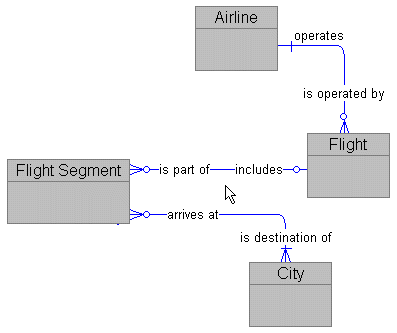
Notice how PowerDesigner inserts the rounded bend points or elbows in relationships automatically whenever the two related entites are not alligned either horizontally or vertically.
These elbows are a popular style of drawing but they are not necessary and add nothing to the meaning or content of the model. They also can intrude on the drawing space and be difficult to position just where you want them.
Let's take a look at how to turn elbows off and on.