


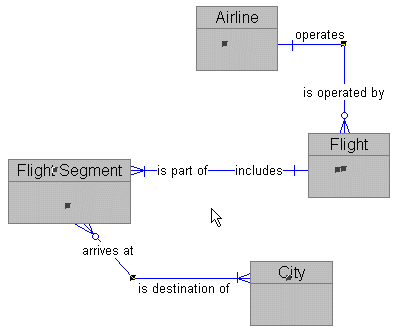
Now you can remove or add bend points, drag relationships or bends, and relocate end points to position all relationships exactly where you want them.
Notice that the instant you click anywhere in the diagram, all of the selected objects are immediately unselected.
That same double-click short-cut works to select all entities (double-click the entity icon in the Tool Palette) or to select every object in the diagram (double-click the pointer icon).
I'll show you a short-cut to straighten all of the relationships at once.